Claude Code
本文最后更新于 2026年11月21日
更新中
概述
Claude Code(以下简称cc)是Anthropic公司(以下简称A畜)开发的一款编程智能体,官方地址:https://code.claude.com/docs/en/overview,本文基于它的cli工具,介绍其常见命令和功能
1.安装配置
根据cc官网(https://code.claude.com/docs/en/overview)讲述的安装方法,A畜官方建议采用一行安装命令安装,无需提前下载nodejs+npm
例如使用powershell的irm
irm https://claude.ai/install.ps1 | iex但是同时npm安装方式也支持,前提是安装好了nodejs+npm
npm install -g @anthropic-ai/claude-code --verbose安装好后,命令行切换到项目文件夹,敲入claude命令,即可打开cc,出现这个提示,是因为A畜官方的模型无法在中国内地使用,双向禁止
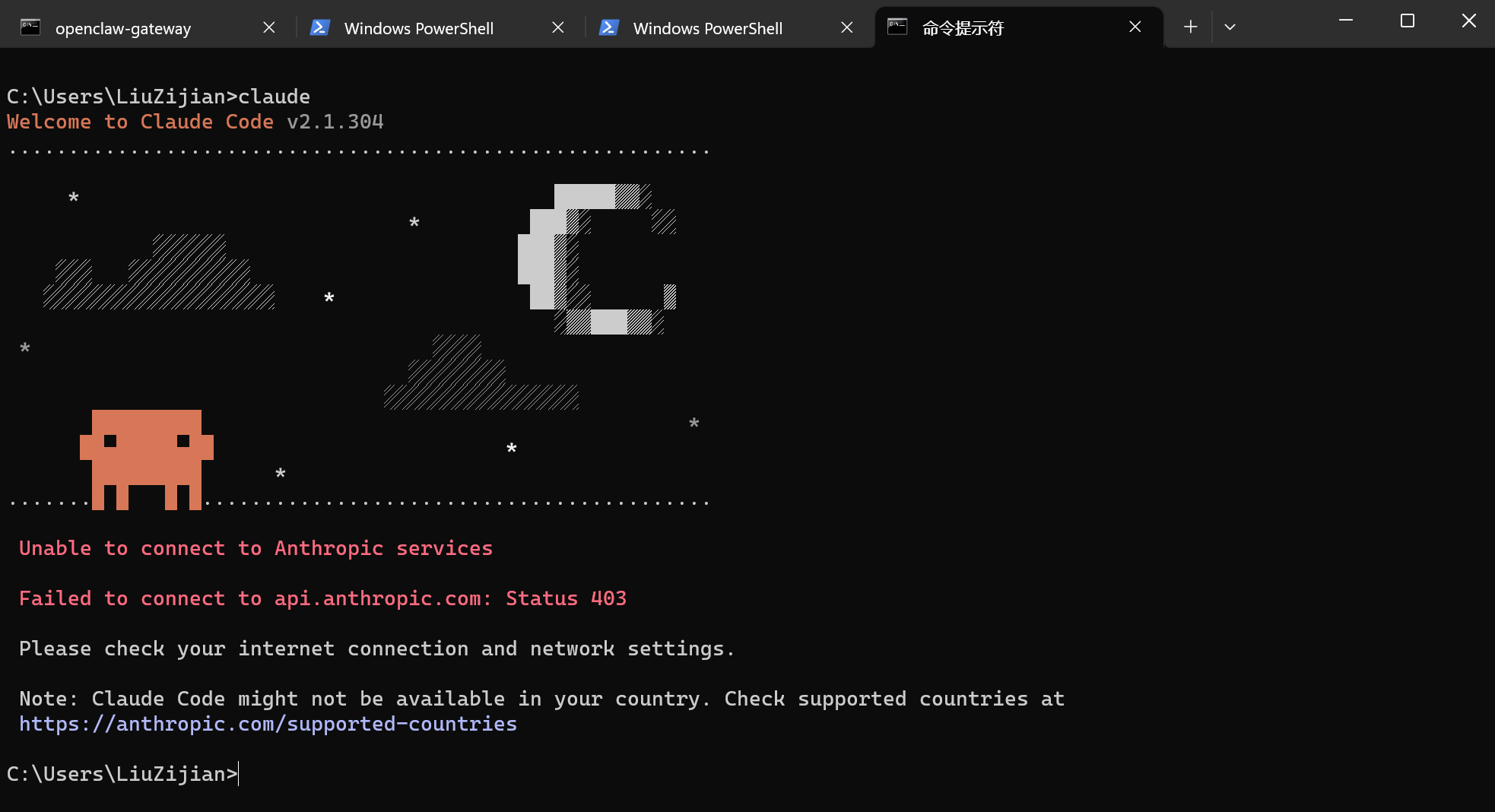
因此做以下配置,打开{user_home}/.claude.json
这个是cc自动生成的,新增一行配置项进去:"hasCompletedOnboarding": true
{
  "firstStartTime": "2026-10-20T15:29:58.120Z",
  "firstStartVersion": "2.1.304",
  "machineID": "10a1c7598f60762781abd5405ef23e7a6bdd5ece5cca9d087479e8c8af3356fd",
  "opusProMigrationComplete": true,
  "sonnet1m45MigrationComplete": true,
  "seenNotifications": {},
  "hasResetAutoModeOptInForDefaultOffer": true,
  "migrationVersion": 14,
  "userID": "c3b6cf4e4f1d05c57dbe50a37304278b38fe013511739a68eaf56bf36a010317",
  "hasCompletedOnboarding": true
}
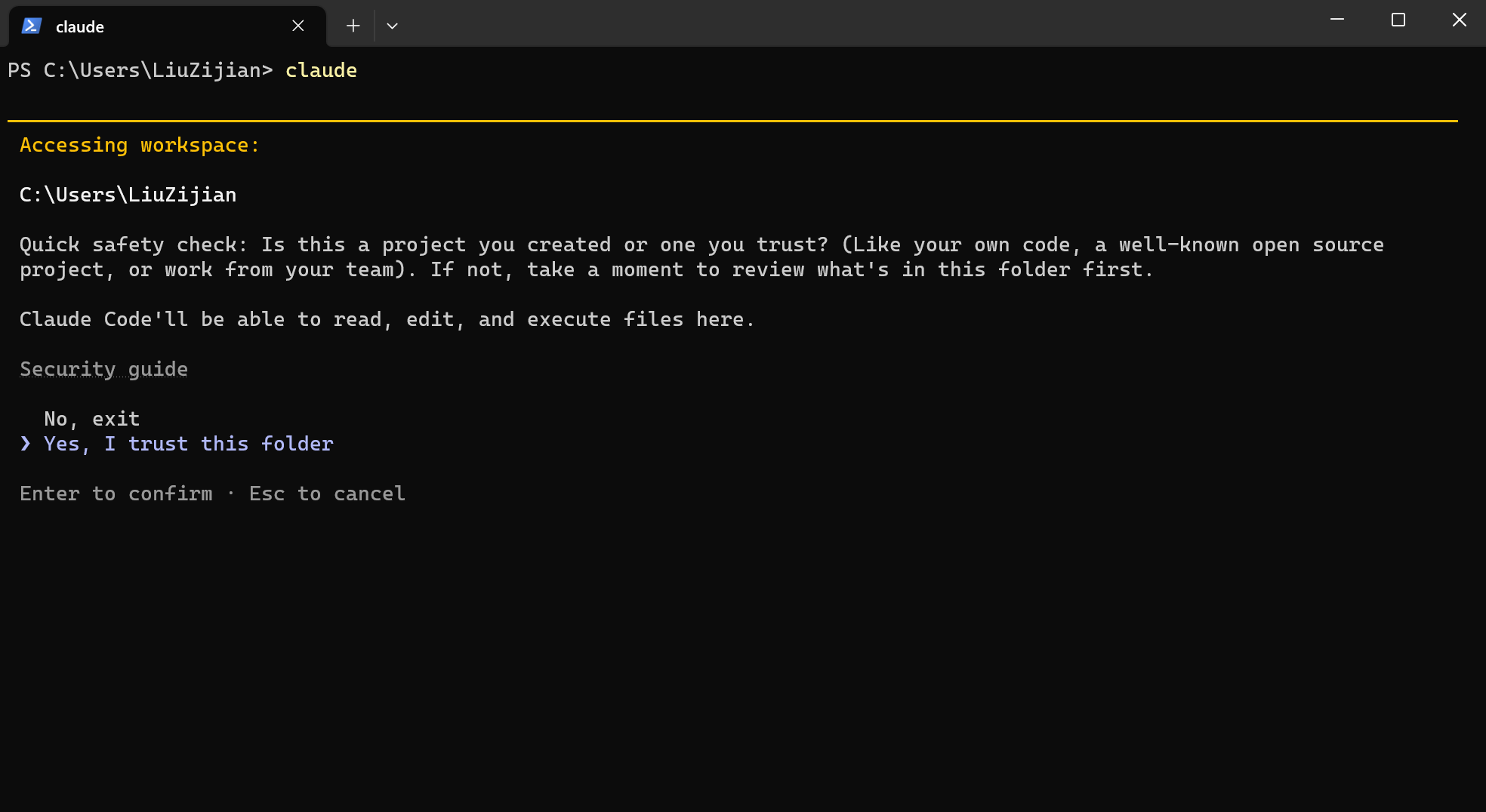
再次打开,如出现安全提示,选择信任当前目录
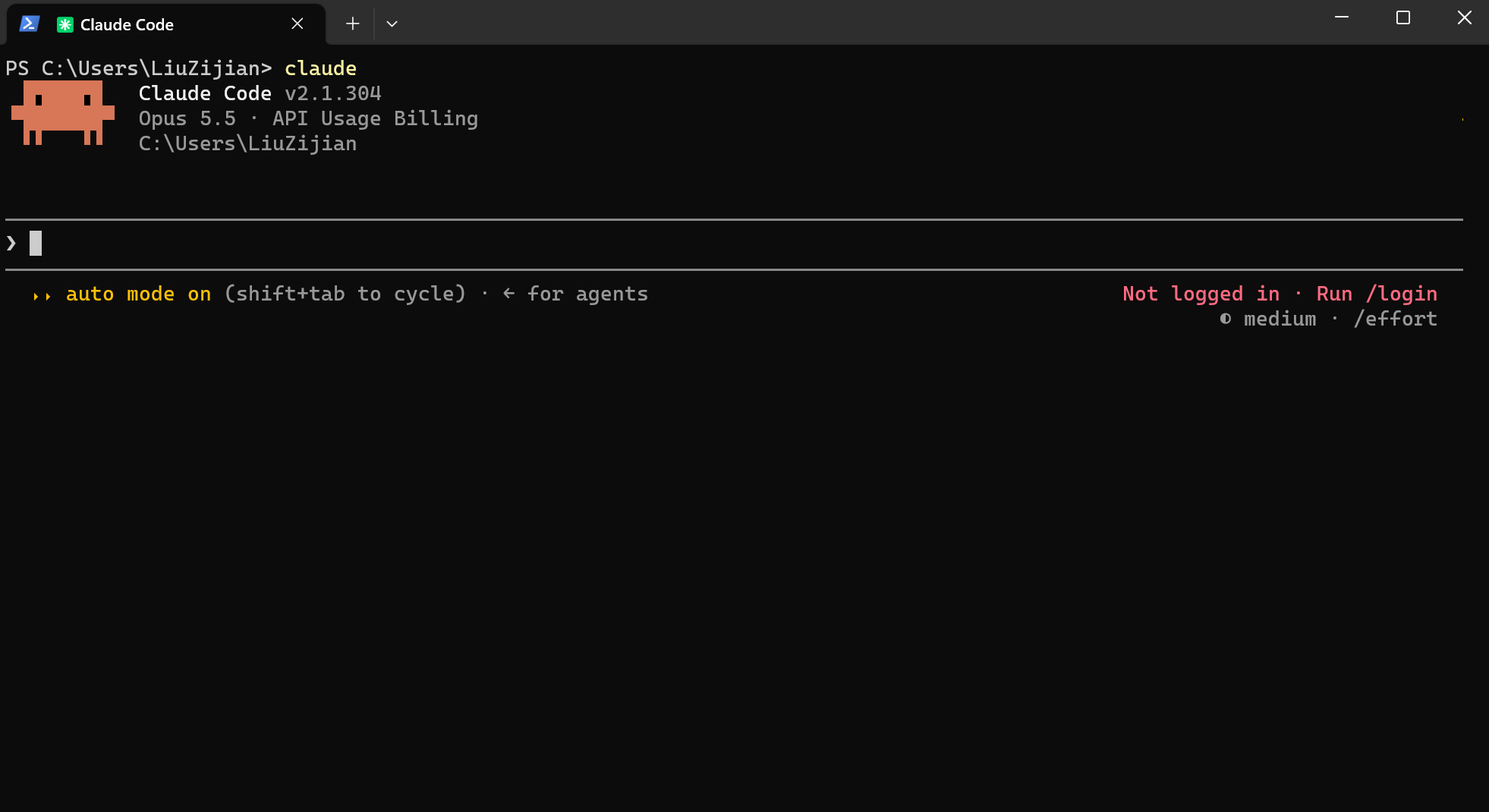
这次不会提示地区不支持,成功进入,但是提示未登录,一般此时输入/login然后按照提示去登录,但是中国大陆即使登录,也会被A畜封号,因此在中国大陆一般会选择第三方模型或中转站来使用
auto mode on代表自动模式,无需人工确认各个自动化操作,这个在新版本的cc是默认打开的,旧版本默认关闭,使用claude --permission-mode auto启动cc能自动默认为自动模式
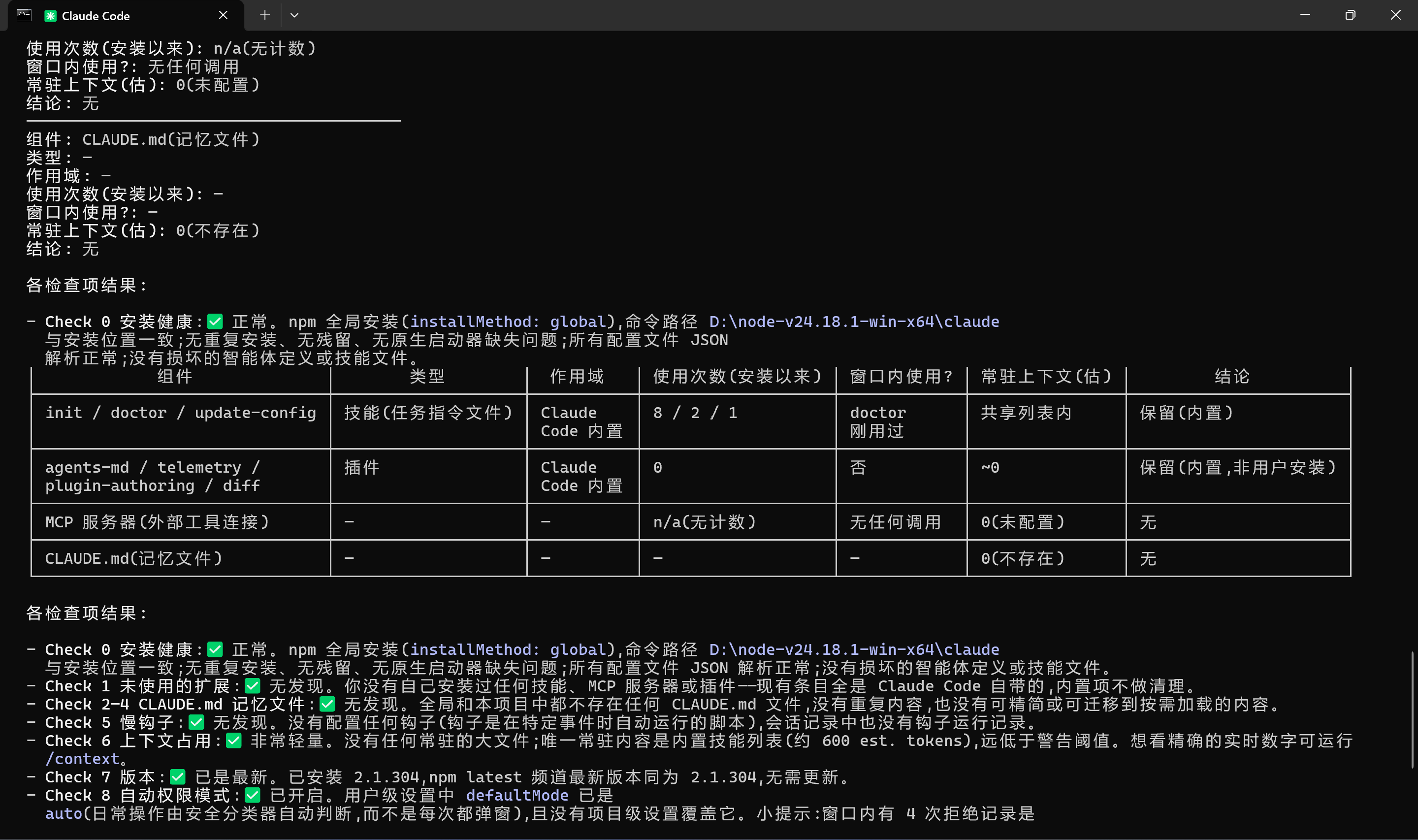
2.常见的操作
claude doctor 一些基本信息,运行环境,当前和最新版本
Microsoft Windows [版本 10.0.26200.9457]
(c) Microsoft Corporation。保留所有权利。

C:\Users\lzj20>claude doctor
Claude Code doctor

Running: npm-global (2.1.311)
Commit: e7d3b8365a0f
Platform: win32-x64
Path: D:\node-v24.18.1-win-x64\node_modules\@anthropic-ai\claude-code\bin\claude.exe
Config install method: global
Search: OK (bundled)
Auto-updates: enabled
Auto-update channel: latest
Last update attempt: success → 2.1.311 (2026-10-27)
Managed settings (remote): not fetched — not available with a custom ANTHROPIC_BASE_URL
Organization policy: not fetched with a custom ANTHROPIC_BASE_URL

Remote Control
Remote Control is only available when using Claude via api.anthropic.com. ANTHROPIC_BASE_URL is set and does not point at api.anthropic.com, so this session is using a custom endpoint — unset it (or run in a shell without it) to use Remote Control.
- Not connected to the Anthropic API (api.anthropic.com)
- Not signed in to claude.ai
- claude.ai subscription auth not active
- Sign-in is missing the user:profile scope
- Organization not resolved
- Remote Control availability could not be verified (no server response this session)

No installation issues found.

For a full setup checkup that can also fix issues, run /doctor in a Claude Code session.

C:\Users\lzj20>
claude --version 查看版本
C:\Users\lzj20>claude --version
2.1.311 (Claude Code)
退出,办法1:提示词框输入/exit
────────────────────────────────────────────────────────────────────────────────────────────────────────────────────────────
> /exit
────────────────────────────────────────────────────────────────────────────────────────────────────────────────────────────
  > /exit                       Exit the CLI
    /context                    Visualize current context usage as a colored grid
办法2:Ctrl+C(或D),两次
有些本地文件比较敏感,不希望Claude Code触碰,此时可以在项目根目录新建.gitignore或.claudeignore文件进行忽略。
"如果文章对您有帮助,可以请作者喝杯咖啡吗?"

微信支付

支付宝